For all your hosting needs – big or small
- 24/7 tech support with a 7-minute average response time
- WordPress-ready plans with built-in tools
- Free AI-powered Website Builder
- Free SSL certificates and daily backups
- Fully managed and monitored email service
- 100% risk-free money-back guarantee
Highest Rated Hosting on Trustpilot


Hosting Plans
Core
Everything you need for a fast, secure, and reliable site or web application.
Advanced
More sites, more space, and additional resources for growing projects.
Professional
Maximum capacity for projects that require even more space and flexibility.
Core
Everything you need for a fast, secure, and reliable site or web application.
Advanced
More sites, more space, and additional resources for growing projects.
Professional
Maximum capacity for projects that require even more space and flexibility.
Core
Everything you need for a fast, secure, and reliable site or web application.
Advanced
More sites, more space, and additional resources for growing projects.
Professional
Maximum capacity for projects that require even more space and flexibility.
All Hosting Plans Include
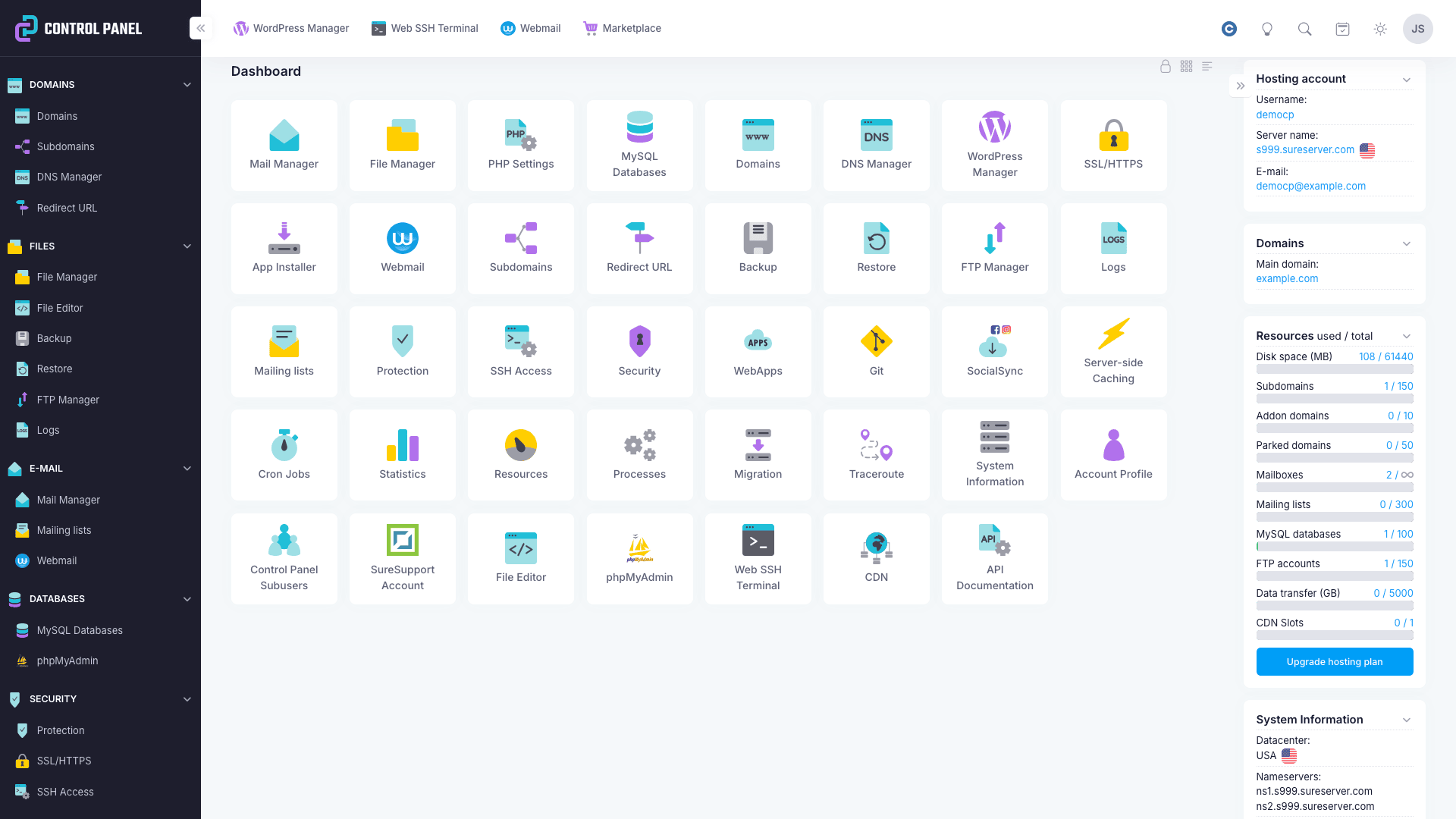
Powerful Control Panel
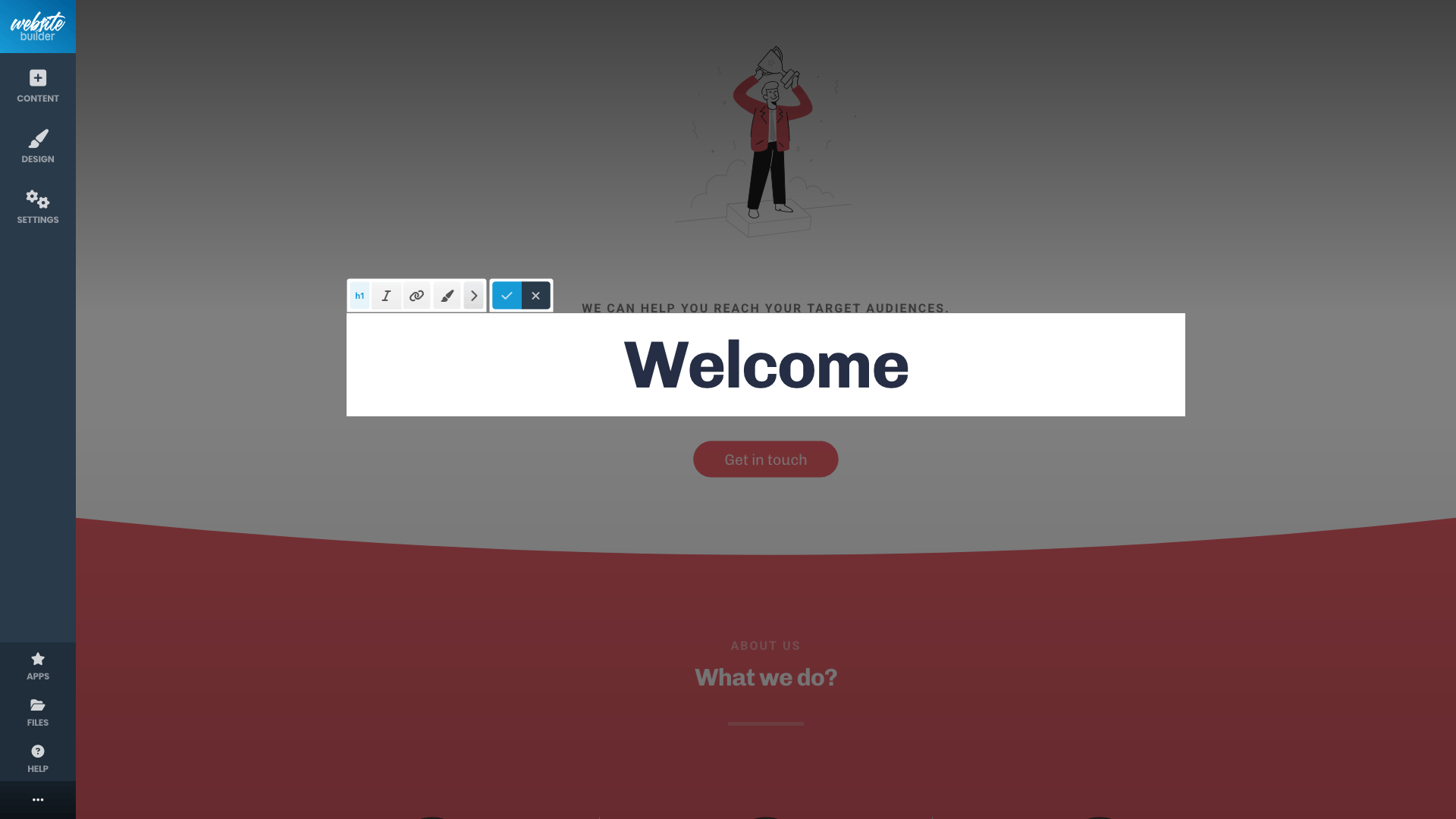
Website Builder
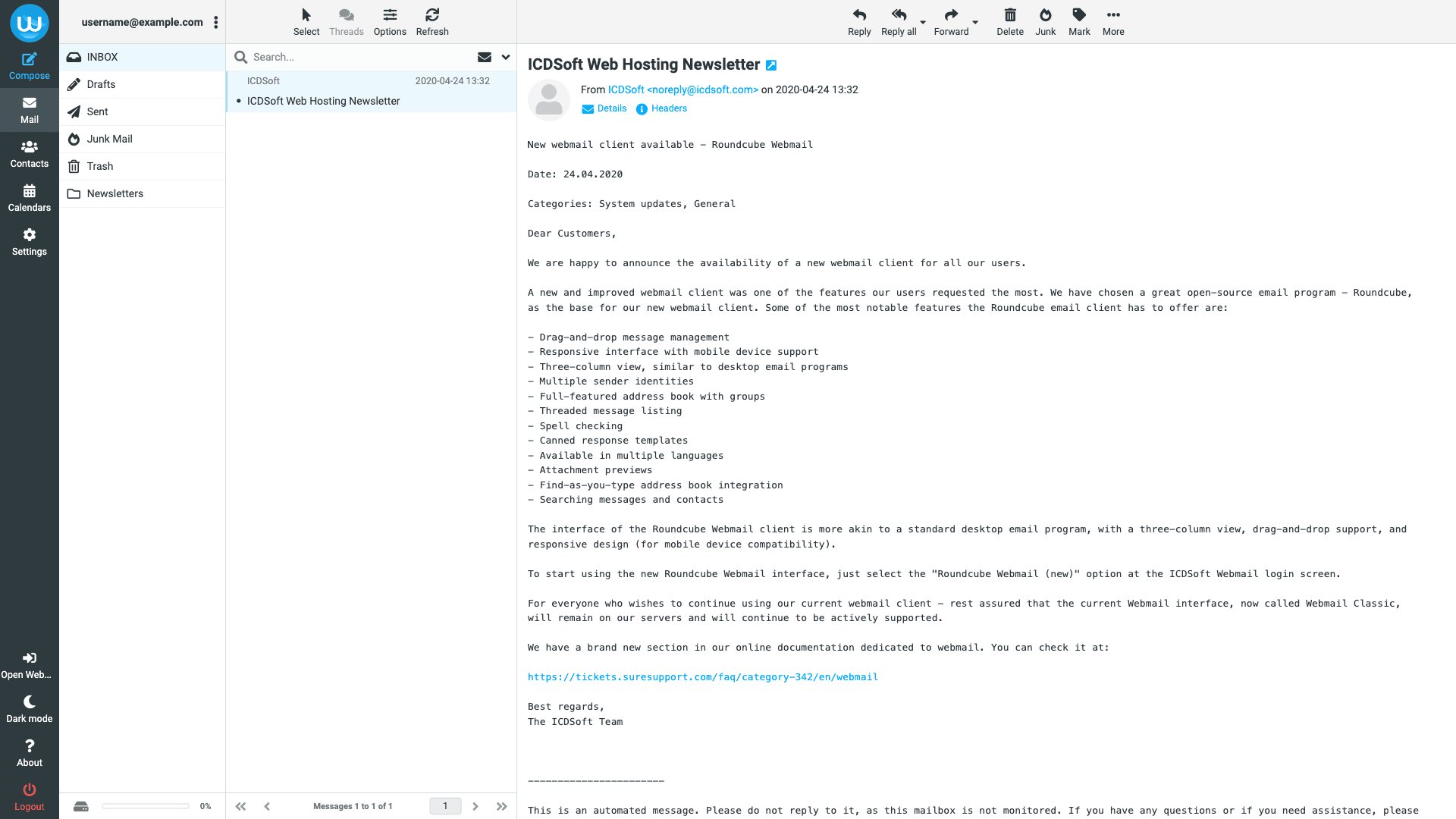
Responsive Webmail Interface
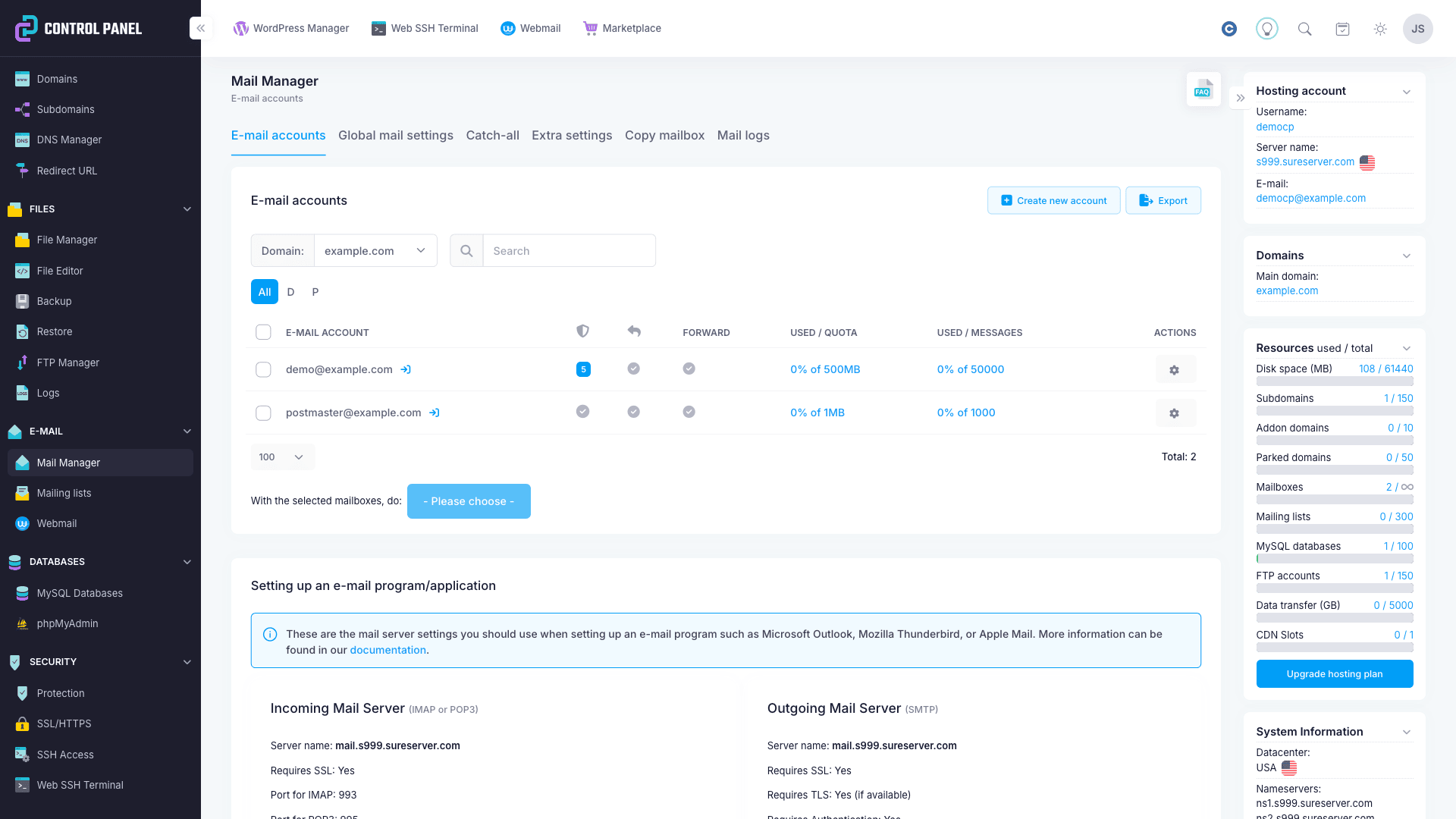
Professional Email Service
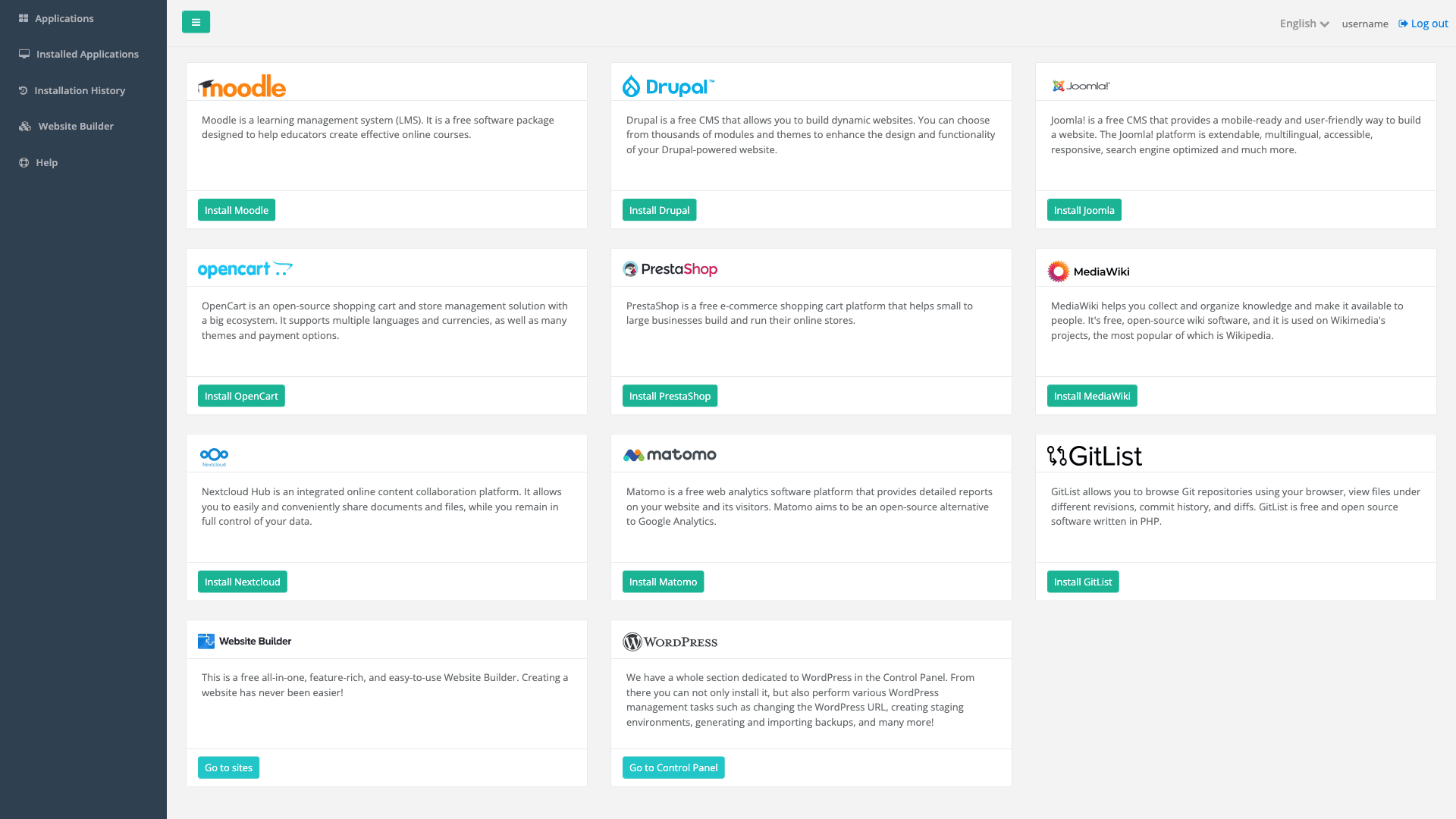
App Installer
Features That Will Save You Money

State-of-the-art Backup System
Unlike other hosting providers, our backup service is included for free with all hosting plans. We back up your entire account (including files, databases, and mailboxes), and each backup is kept for at least seven days.

Free SSL Certificates
All our hosting plans provide free SSL certificates from Let's Encrypt. You can easily install Let's Encrypt certificates for all of your domains and subdomains through the hosting Control Panel.

Extremely Fast Platform
Our servers are custom-built with the most reliable and powerful hardware, based on ultra fast Xeon processors and all-SSD storage arrays. We also have PHP-FPM and server-side caching to ensure blazing website speed at all times.
Absolutely the Best Support Team in the Industry

15-minute Response Guarantee
Is your current host taking days to respond? Our support members answer every ticket within 15 minutes. In fact, our average response time for tickets is 7 minutes. If you have any questions related to our services, just drop us a line and see how fast we will get back to you.

24/7 Multi-channel Support
We pride ourselves in having created arguably the best ticketing system ever. It provides a secure and efficient communication channel with our users. Our support team can also be reached via email and through the live chat available on our website.

Highly Qualified Experts
Our Support Team consists of highly qualified professionals with diverse backgrounds in the IT field. Customers are often surprised by their willingness to go way beyond the call of duty. We can proudly say that our support service is what made ICDSoft so successful.
Ready to get started?
Get hostingFrequently Asked Questions
General
Which hosting plan should I choose?
Most customers choose one of our higher‑tier plans because they offer generous resources suitable for growing websites and larger mailboxes. These plans provide ample disk space and support significantly larger mailbox sizes, making them a flexible option for businesses that expect their needs to expand over time.
Which data center should I choose?
We operate servers on three continents - Asia, Europe, and North America. This gives you versatility when purchasing your account. We would recommend that you choose the data center depending on the physical location of the target audience of your website. You can use the following page to check your connection speed to our different data centers: Speed test.
My domain is registered elsewhere. Can I still order a hosting account with you?
Yes, you can have your domain registered elsewhere and still use our hosting service. You just need to point the domain to your account with us by updating its name servers to the ones listed in the Welcome email you will receive after purchasing the account. You can update the name servers through the registrar company for your domain. During the order process, select the option "Use my already registered domain". If you wish to use a third-party DNS service, you would have to manually update the A and MX DNS records to point them to our server.
How can I move my existing website here?
We provide a free website transfer service for new hosting accounts during the first 100 days of the hosting subscription. We can move your website to our server if you provide us with access to the old hosting provider. Detailed information is available in our site migration FAQ.
Instructions on manually moving over your website files can be found in our article Moving your existing site's files.
Can I transfer my domain here as well?
You can transfer your domain here provided that it's eligible* for transfer and we offer registration services for that TLD (a list of the TLDs available for registration is available on our domains page). You need to unlock the domain at the current registrar, as well as obtain its EPP authorization code. If you have an Account Panel, you can order a domain transfer from the Order menu -> Order / Transfer Domain. Alternatively, you can provide us with the EPP code, and we will generate the transfer order for you. The transfer procedure does not interrupt the operation of the domain name in any way, and your website and email will be working at all times. We will notify you as soon as the transfer is completed.
*For a domain to be eligible for transfer, the following conditions must be met:
- The domain name has to be at least 60 days old, i.e. two months must have passed since its initial registration.
- The domain name must not have expired. If your domain name has recently expired, you need to renew it with the current registrar before you can transfer it away.
- Since transfers may take several days to complete, you should make sure that there is sufficient time until expiration. We recommend that you start transferring your domain name at least 7 days before the expiration.
How do I contact you for support?
You can contact us via the ticketing system accessible via the 24/7 Support section in your Account Panel, via email at [email protected], or through the live chat on our website. We strongly encourage our customers to use the ticketing system because it's designed to help us process customer requests securely and quickly. Our average response time for tickets is 7 minutes.
Is ICDSoft using cPanel?
No, ICDSoft develops its own hosting Control Panel software. You can check ICDSoft's Hosting Control Panel page for more information.
Can I move my messages from my old host to your server?
You can easily move your messages from your old hosting provider to our servers with our Copy mailbox tool in the Control Panel. All you need is IMAP access to your mailbox on the old server.
If the old host uses cPanel, you can use the Migration tool in the Control Panel to import your mailboxes from a cPanel backup.
Alternatively, if the other hosting provider can provide an archive of the emails in Maildir format, you can provide us with the file, and we will check if we can import your messages from it.
You can also move the messages via IMAP. You can move messages between servers via IMAP by using a mail program such as Thunderbird. You will need to configure two IMAP accounts for each mailbox in the mail program - one that connects to the old mail server, and one that connects to our server. Then you will be able to drag-and-drop messages between the servers. Note that you would first have to recreate the necessary mailboxes on our end through the Mail Manager in the Control Panel.
You can find instructions for configuring some of the most popular mail programs in our knowledge base section about configuring an e-mail program.
Do you offer spam protection?
Yes, the antispam utilities on our servers include:
- Real-time blocking lists - messages from known spam sources are blocked at the SMTP level.
- SpamDyke/graylisting - filtering messages at the SMTP level based on DNS checks.
- SpamAssassin - content filtering based on predefined rules as well as blocking lists, including Bayesian classifier, allowing customers to mark messages as spam or ham by moving them to and out of the Junk Mail folder.
- Custom header filters that each of our customers can set to block messages from specific sources, or matching specific patterns.
More information about the anti-spam tools we offer is available in our spam protection documentation.
Is your email service compatible with Apple Mail, Outlook, Thunderbird and other clients?
Yes, our email service is fully compatible with all email clients that support IMAP(S)/POP3(S) and SMTP. You can refer to our manuals for step-by-step instructions on setting up the most popular email clients.
We also have a video on setting up Apple Mail (for macOS 10.15) to connect to our email service:
Can I check my email online/with a browser?
We offer an in-house built Webmail interface that allows you to access your email account(s) in a web browser. To access the Webmail interface, please go to:
http://mbox.example.com
You need to replace example.com with your domain name. In order for this link to work, you need to have your domain name pointed to our hosting service already.
Can I use email aliases (email subaddressing) on your servers?
Yes, subaddressing is available on our servers. You can use the - (minus) sign to receive messages for multiple email addresses on a single email account.
How do you prevent my outgoing emails from ending up in spam? Do you offer SPF, DKIM, and DMARC?
To ensure your emails reach their intended recipients and don't end up in spam folders, we automatically configure SPF, DKIM, and DMARC authentication for all domains hosted with us.
SPF (Sender Policy Framework) validates that emails from your domain are sent from authorized email servers. This prevents spammers from forging emails that appear to come from your domain.
DKIM (DomainKeys Identified Mail) adds a digital signature to your outgoing emails, allowing receiving servers to verify that the message hasn't been altered in transit and confirming it genuinely originated from your domain.
DMARC (Domain-based Message Authentication, Reporting and Conformance) works together with SPF and DKIM to provide an additional layer of protection. It specifies how receiving servers should handle emails that fail authentication checks and can be configured to provide reports on email activity for your domain.
Beyond authentication, we continuously monitor and protect your sender reputation. All outgoing email is routed through clean, high-reputation IP addresses. We actively monitor for blacklist issues, and if an IP address is ever listed, we act immediately — investigating the cause, working to delist it, and rotating to a fresh IP to ensure uninterrupted email delivery. We also proactively detect and stop abuse to keep your domain trusted. Unlike email sent from mass VPS or home networks (often blocklisted), our curated infrastructure ensures strong deliverability.
Technical
What web software can I run on my account?
Our servers run Linux and the server-side scripting languages we support are PHP, Perl, Python, TCL, and Ruby. PHP and Perl are more popular and widely spread languages and in general you can find more and better supported products written in them. We also support MySQL.
You can run WordPress, Joomla, phpBB3, osCommerce, ZenCart, Baikal, SMF, Magento, XOOPS, e107, SugarCRM, Coppermine, WebCalendar, MODX, TikiWiki, MediaWiki, Concrete5, PrestaShop, WooCommerce, Piwik/Matomo, OpenCart, LimeSurvey, Nextcloud, and many others.
You can find a list of awesome software you can host with us here. You can find installation instructions in our Knowledge Base.
How many domains can I host?
This depends on the hosting plan. Parked domains function as aliases of your primary domain and share the same website content and email accounts. Shared plans that support multiple websites allow you to host separate websites on different domains as addons, each with its own content and mailboxes. The number of websites you can host under separate domains varies by plan.
Do I have root access?
Our hosting services are fully managed, so root access (including sudo) is not available to end users.
Can I access the server over SSH?
SSH access is available with all of our hosting plans. Note that it's disabled by default. You can enable it from the Control Panel -> SSH Access section. Detailed instructions on connecting to the server over SSH can be found in our SSH documentation.
How do I upload files to the server?
You can upload files to the server using the File Manager in the Control Panel or with an FTP client. Instructions on uploading with an FTP client are available in the Uploading files section of our knowledge base.
What are the supported server-side scripting languages?
We do our best to provide our customers with the latest and most stable versions of available programming languages. We offer support for PHP, Python, Perl, Ruby, and TCL.
The supported PHP versions are listed in our PHP Version article. You can easily change the default PHP interpreter for your hosting account through the PHP Settings interface of the hosting Control Panel.
Billing and Management
Will you charge me automatically for renewal?
No, we do not charge you automatically for renewal unless you have enabled auto-renewal. This is not enabled by default, but you can turn it on through your Account Panel. You can find more details on setting up auto-renewal in our Reseller Documentation.
I ordered the Economy plan. Can I upgrade?
You can upgrade when renewing your account, or at any time through the Account Panel.
Recent Posts from the ICDSoft Blog
The AI-Free Web Stack – Non-AI Tools for Your Web Presence
An overview of non‑AI tools that can support different parts of your workflow. The post looks at practical options for website creation, email, analytics, and productivity, showing how an AI‑free setup can remain efficient and easy to maintain.
Read more10 Reasons to Choose a .online Domain for Your Website
Part of the new wave of generic domain extensions, .online has grown rapidly in popularity since its launch in 2015, attracting businesses, entrepreneurs, creators, and individuals from all around the world. In this article, we explore 10 reasons why a .online domain could be the ideal choice for your new website.
Read moreHow to Update WordPress Like a Pro (Without Breaking Your Site)
Keeping WordPress updated is essential for security, performance, and long‑term stability. In this guide, we'll walk you through a safe, structured update process - from backups and staging to troubleshooting - so you can update WordPress confidently and avoid downtime.
Read more